News & Insights
PET Felt Printing Problems: Why Ink Absorption Depends More on Surface Than Printer Settings
Common PET felt printing issues such as uneven ink absorption or unclear white ink are often related to surface structure, not printer settings. Learn how PET felt surface affects printing results.
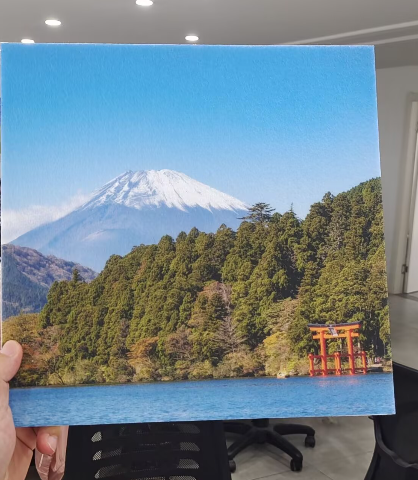
PET Felt Printing Problems: Why Ink Does Not Always Behave the Same (Surface vs Printer Explained)
In PET felt acoustic panel projects, printing problems are often reported as:
- uneven ink absorption
- inconsistent white ink appearance
- unclear or blurred printing details
In many cases, the first reaction is to adjust printer settings.
However, in real production experience, printing performance is not only determined by the printer.
It is strongly influenced by the surface structure of PET felt panels.
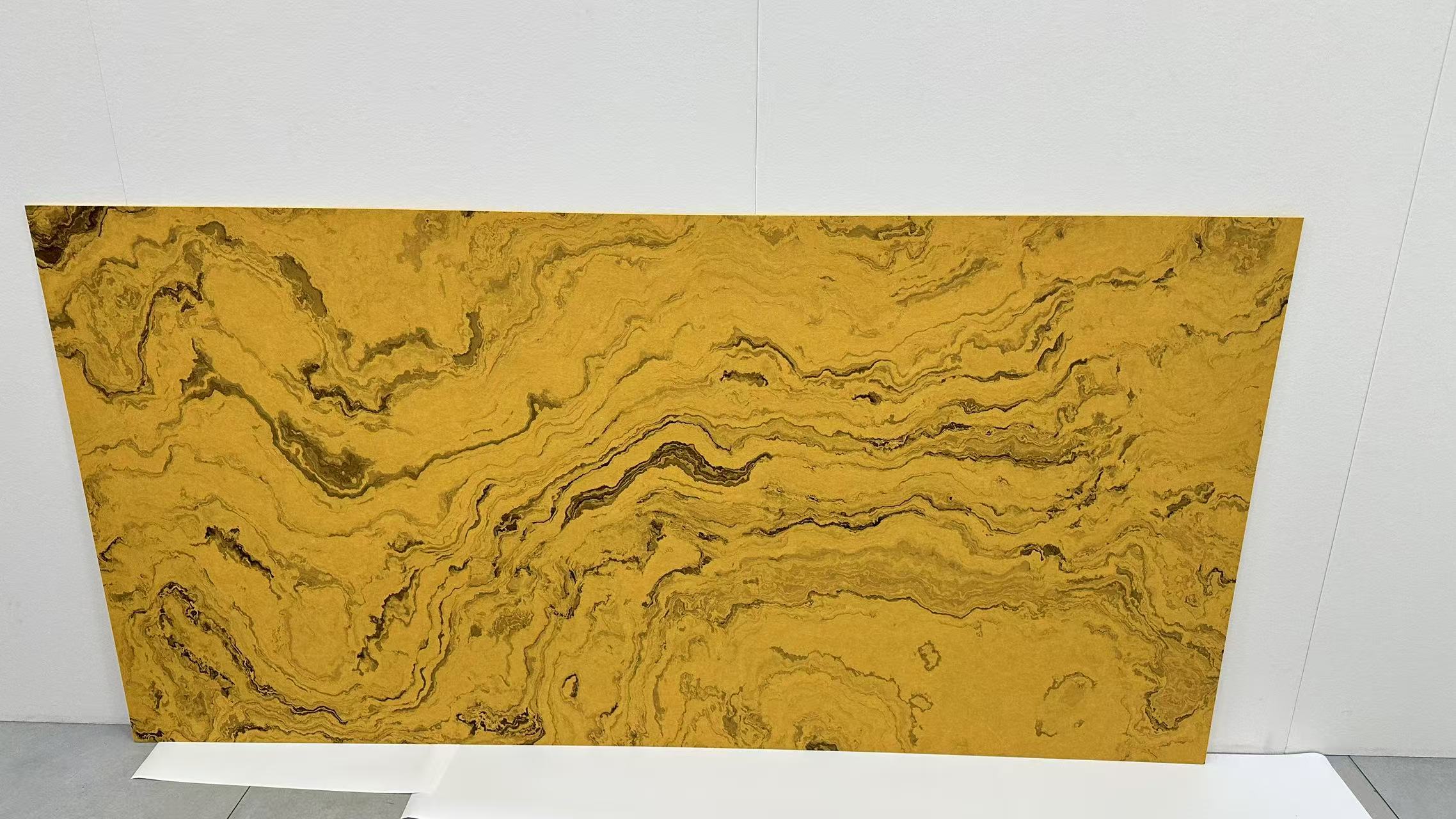
Why Printing Issues Are Often Misunderstood
When printing results are not stable, most users focus on:
- ink type
- printing speed
- color calibration
- machine condition
These are important factors.
But they are not always the root cause.
In PET felt materials, the surface itself plays a major role in how ink behaves.
PET Felt Surface Structure and Its Impact
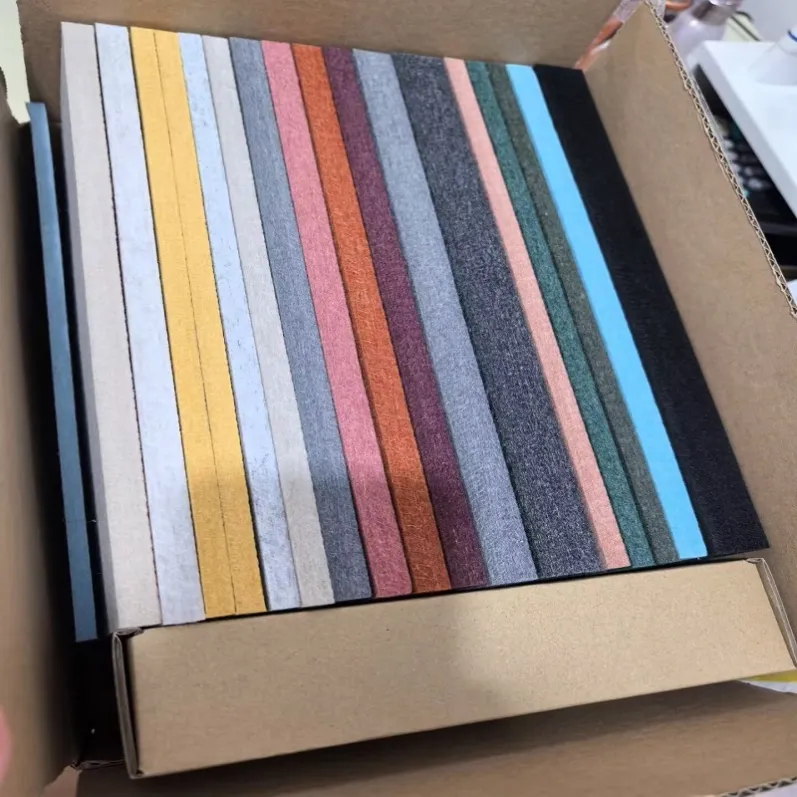
PET acoustic panels are made from compressed polyester fibers.
Depending on production method, surface can be:
- lightly fibrous
- semi-pressed
- hot-pressed compact surface
These differences directly affect printing behavior.
Fibrous surface:
- higher ink absorption
- visible fiber texture under light colors
- more natural acoustic look
Compact surface:
- more stable ink distribution
- sharper printing result
- reduced texture interference
This means printing is not only a machine process.
It is also a material interaction process.

Why Printer Adjustment Alone Is Not Enough
In many cases, when printing results are not ideal, users try to fix it by:
- increasing ink density
- changing print speed
- repeating printing passes
These can improve the result slightly.
But if the surface structure is not suitable, the improvement is limited.
This is why two PET felt panels with the same printer settings can show different results.
Common PET Felt Printing Problems
Typical issues include:
- uneven white ink coverage
- color inconsistency
- blurred fine graphics
- visible fiber pattern under lighting
These are usually related to:
- surface roughness
- material density variation
- absorption behavior differences
Practical Selection Approach
In real projects, selection is usually based on printing requirements:
If high-definition printing is required:
- choose smoother or hot-pressed PET felt
- ensures better ink stability
If acoustic texture is more important:
- standard fibrous PET felt is suitable
- keeps natural material appearance
There is no universal best option.
Only project-specific suitability.

Final Insight
In PET felt printing projects, printer settings are only part of the system.
The material surface often defines the upper limit of printing quality.
Understanding this helps reduce trial-and-error in production and improves final consistency.
If you are working on PET felt printing projects and are unsure about material selection, different surface types may significantly affect your printing result.
We can support you with material recommendations based on your printing requirement, design goal, and application scenario.
#PETFelt #AcousticPanels #PrintingProblems #PrintingTechnology #InteriorMaterials
For more related pages:
Email: info@hengmy.com Will respond in 24 hours.